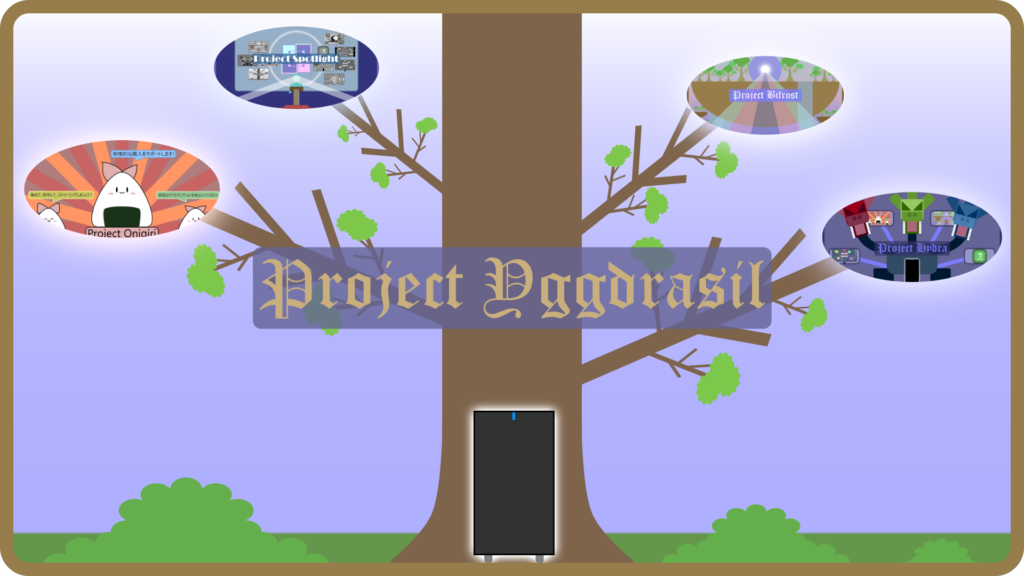
About Project Yggdrasil
Project Yggdrasil was my second personal project where I assembled my own server dedicated to storing all the data from my ripped media, accommodating expansion projects from MAPP, and later on, accommodating other projects unrelated to MAPP but are either essential to the infrastructure or are worth trying out for education or fun. This project was first proposed back in December 2023 when I began to run out of space in my workstation from storing all the ripped media that I owned at the time and began to consider assembling a server dedicated to not only storing all of my ripped media, but also streaming the media themselves from the server itself via Jellyfin (which at the time was also hosted in my workstation). After taking a considerable amount of time doing research into which components to acquire for the server and which OS I’ll be using, I settled on the OS and list of components for the server below. After assembling the server the following month, it took an additional two or three months to fully set it up and kickstart the first project on the server: Project Onigiri. After Project Onigiri reached stability and transferring all of my ripped media to the server, I began other projects to enhance the server and expand MAPP further. Those projects are listed below (past the server specifications and Project Onigiri). I hope that by creating these projects and more in the future, I can expand my knowledge about Linux and managing a server while at the same time, discover more about the things that I enjoy doing or interest me.
Yggdrasil Server Ver 1.2.0 Specifications
- OS: Unraid OS (Linux)
- Chassis/Case: Fractal Design Define R5
- PSU: Corsair RM850e (2025)
- Motherboard: MSI MAG Z790 Tomahawk WIFI
- CPU: Intel Core i9-12900K w/ Thermalright LGA1700 CPU Contact Frame V2
- CPU Cooler: be Quiet! Dark Rock Pro 5 Air Cooler
- dGPU:
- EVGA RTX 3080 FTW3 Ultra (for ENL/JPL PLOT VMs, Project Mintendo VM, and Fedora KDE VM; non-simultaneous operation)
- Sparkle Intel Arc A310 OmniView (for hardware transcoding in Jellyfin, Handbrake, and other media-related projects)
- RAM: TEAMGROUP T-Create Expert 6000MHz DDR5 (32GB)
- HDD Storage (Array):
- Seagate IronWolf Pro 12TB Enterprise NAS Internal HDD (x1 for Parity, x2 for Data/Bulk Storage)
- SSD/Cache Storage (Docker + VMs):
- WD Black 2TB SN770
- WD Black 4TB SN850X
- Cache pool configured with BTRFS RAID 1 resiliency
Yggdrasil Server specifications last updated on: February 2026
Project Yggdrasil Subsidiaries
Project Onigiri (Jellyfin)
Project ID: YGGD-01-ONIG
Live project status: ACTIVE
Project launched on: April 2024
About Project Onigiri
Project Onigiri was the first project hosted on the Yggdrasil Server and is also an expansion project for PISO, tasked with both storing all of my ripped media (particularly anime) and streaming that same media using a self-hosted media streaming application, specifically Jellyfin. This project was also the first time I used Docker and Docker Compose, which was honestly a rather stressful experience trying to set up Jellyfin on Docker for the first time with almost no knowledge about the latter but after gradually learning from my mistakes and finally deploying the stack that would make everything work, it felt extremely satisfying. Project Onigiri was the first step into my journey of self-hosting and my initiative to steer away from streaming services (particularly for anime) as much as possible due to their parent companies’ lack of attention and care of their customers and/or the service(s) they offer.
Why I Chose Jellyfin
I chose to go with Jellyfin (which is a fork of Emby, another self-hosted media streaming application) as my platform of choice to stream my media because of four reasons: it’s a FOSS (free and open source software), its developers are always making frequent updates, its online community is very active, and it’s highly customizable which enables you to further enhance its base capabilities or even change how it appears entirely (if you’re willing to dabble into editing CSS and/or HTML files and installing Jellyfin plugins, which shouldn’t be too difficult and risky if you know exactly what you’re doing to the code or application and most importantly, make frequent backups). While I could’ve went with Plex or Emby, both options had their own weaknesses, like Plex shifting its focus away on the self-hosting aspect (which is what made it popular in the first place) and instead focus on endeavors that can or will make the platform become more competitive with streaming giants like Netflix, or with Emby placing some or many of their prominent features behind a paywall, whereas Jellyfin’s features are all free and are instantly available to the user (hence being a FOSS).
Learn more about why I started Project Onigiri in my lengthy rant
Learn more about Jellyfin
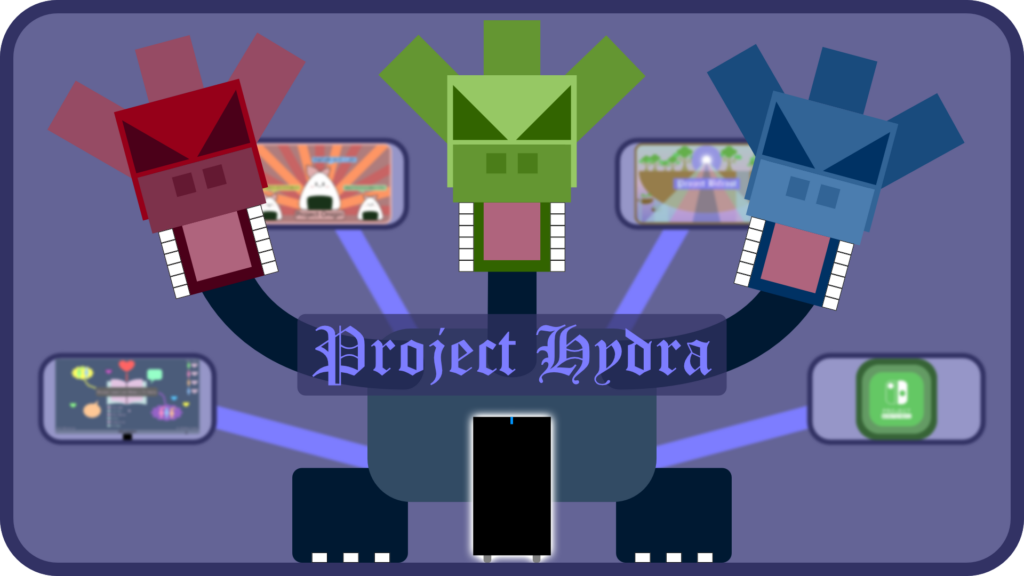
Project Hydra (Docker Applications & VMs)
Project ID: YGGD-02a-HYDR
Live project status: ACTIVE
Project launched on: May 2024
About Project Hydra
Project Hydra was the next project that I worked on after Project Onigiri was fully set up, tasked with setting up vital infrastructure for the server, securing various Docker applications, and setting up various virtual machines (VMs) for the expansion of both PLOT and Project Mintendo, alongside other side projects. The first task for this project was to set up virtual machines where two VMs are dedicated for playing ENL/JPL visual novels (VNs) as part of PLOT, one VM dedicated for running various emulators such as Citra, Yuzu, and Ryujinx as part of Project Mintendo, and lastly, one VM for trying to daily run a Linux distro, primarily Fedora KDE. While setting up the virtual machines and getting all the visual novels, emulators, and other software installed and set up for daily use took some time, it wasn’t as difficult in comparison to setting up Docker applications for the first time (which was evident with Project Onigiri) and getting them to properly interact with each other or with the server itself. Meanwhile on the Docker side of the project, securing all my Docker applications was the priority and thus I focused on setting up Cloudflare, specifically Cloudflare Tunnels and Cloudlflare Access (for user authentication). After setting up the tunnel and Access to link to all my Docker applications, I also took the time to set up Tailscale via an Unraid plugin, a VPN service that allows me to access my applications and VMs no matter where I’m at. With both in use, I’ve ensured that my applications and VMs are secure and accessible, anytime, anywhere, and on any network.
Project Bifrost (Cloudflare & Tailscale)
Project ID: YGGD-02b-BIFR
Live project status: ACTIVE
Project launched on: July 2024
About Project Bifrost
Project Bifrost is the first project under Project Hydra, specifically tasked with creating the necessary infrastructure to secure Docker applications and access them from any location or network. These involved the use of Cloudflare services, specifically Cloudflare Tunnels, Cloudflare Access (for user authentication), and Tailscale via an Unraid plugin, a VPN service that’s integrated with Unraid (which removes the need to self-host it via Docker) for secure remote access.
Project Spotlight (WordPress, MariaDB, Adminer, and WordPress Plugins)
Project ID: YGGD-03a-SPOT
Live project status: ACTIVE
Project launched on: August 2024
About Project Spotlight
Project Spotlight is my latest project under Project Hydra, tasked with the creation of my own blogging website using a self-hosted version of WordPress, the installation of its dependencies such as a local database and a database management tool (MariaDB and Adminer respectively in this case), and the installation of various WordPress plugins to enhance the website, shifting away from using subscription-based website hosting services. While owning a domain and paying the fees to renew is unavoidable, subscribing to a service just to host your own website isn’t. However, the disadvantage of self-hosting your website is that everything that happens with your website is now your responsibility though if you’re careful, know exactly what you’re doing to the code, have properly secured your website, and most importantly created backups, this shouldn’t really be an issue.
Project Otaku Inversion (“Otaku Mode” Website & Dynamic Content via Shortcodes)
Project ID (Project Yggdrasil): YGGD-03b-OTIN
Project ID (Incognito Mode): INCM-01-OTIN
Live project status: ACTIVE
Project launched on: April 2025
Former project aliases:
- Project Inversion
About Project Otaku Inversion
Project Otaku Inversion is the first expansion project for Project Spotlight, tasked with the creation of an alternate version of my website (called “Otaku Mode”) which hosts content from specified projects that are specifically catered for otakus aged 18 and older, and the implementation of various dynamic content on a page (in this case, the “Otaku Mode” homepage) using shortcodes via a plugin. I decided to create an “Otaku Mode” for my website because I plan on adding and/or covering topics about anime and visual novels that are more suited for adult audiences in the future, and isolating such content from the normal and “suited for all ages” version of my website was deemed necessary. Meanwhile and to add some unique flair to the “Otaku Mode” version of my website, I also began to add dynamic content as an experiment by creating and running various shortcodes using a plugin which are then added to any page using the shortcode block in the block editor.
If you’d like to visit the alternate version of my website, click/tap on the “Otaku Mode” button on the navigation bar.
The First Implementations of Dynamic Content
The first successful implementations of dynamic content via shortcodes are the time-based image, time zone-based greeting, and today’s date, which are seen at the beginning of the “Otaku Mode” homepage. The first shortcode checks the server’s local time then depending on the time, will display an image that corresponds with the server’s local time. For example, if it’s 7:00AM, the page will display the “morning” image. If it’s 7:00PM, the page will instead display the “evening” image. For the second shortcode, this checks the current time and time zone from any user or visitor then depending the time and time zone, will display a message that corresponds with both. For example, if it’s 7:00AM at your location/time zone, the page will display “Good morning fellow otaku!”, with the “Good morning” part of the sentence written in Japanese (with Romaji). If, at the same time, it’s 7:00PM for another visitor, the page will instead display “Good evening fellow otaku!” to that visitor. Last but not least, the third shortcode simply gets today’s date then displays that date at the end of the greeting. It also has a sleep reminder added at the end for any user or visitor that visits the site from 10:00PM to 5:00AM, which is written in English and Japanese (with Romaji). While these are relatively simple shortcodes, I hope I can add more complex shortcodes in the future which go beyond the capabilities of the shortcodes aforementioned, and more importantly, learn more about coding in CSS, PHP, and JavaScript.