VNs Recently Tested on Winlator
▸
VN Emulation Status/Flag Guide×
VN Emulation Status/Flag Guide
Below is a list of flags which help visually indicate the emulation status of any given DRM-free copy of a ViNISO listed in the catalogue. This pertains to the overall performance and stability of any given VN being emulated via Winlator.

Green Flag
- VN successfully boots up in the emulator with no to short wait times.
- No performance degradation, graphical issues, nor glitches/bugs noticed when VN is emulated.
- VN can be played from start to finish without issue.

YellowGreen Flag
- VN successfully boots up in the emulator with no to moderate wait times.
- Minor to moderate performance degradation, graphical issues, or glitches/bugs noticed when the VN is emulated.
- VN can be played from start to finish with minor to moderate issues.

Yellow Flag
- VN successfully boots up in the emulator with short to long wait times.
- Moderate performance degradation, graphical issues, or glitches/bugs noticed when the VN is emulated.
- VN can be played from start to finish with moderate issues.

YellowRed Flag
- VN can boot up in the emulator after tweaking the emulator’s settings with short to long wait times.
- Moderate to severe performance degradation, graphical issues, or glitches/bugs noticed when the VN is emulated.
- VN can be played from start to finish but requires workarounds.

Red Flag
- VN can boot up in the emulator after tweaking the emulator’s settings with short to long wait times, or it can’t boot up at all.
- Severe to critical performance degradation, graphical issues, or glitches/bugs noticed when the VN is emulated.
- VN cannot be played from start to finish as there’s too many issues.

White Flag
- VN pending to be tested in the emulator.
▸
Winlator Configuration & Testing Environment×Winlator Configuration (for testing VNs) – “ViNlator” Custom Profile
Graphics & Sound Settings
- Screen Size/Resolution: 1280×720 (16:9)
- Graphics Driver: Turnip (Adreno)
- Turnip Version: 25.0.0
- Max Device Memory: 512 MB
- Enable Direct Rendering: On
- Sync Every Frame: Off
- DX Wrapper: WineD3D
- WineD3D Version: 9.2
- GPU Name: NVIDIA GeForce GTX 480
- Offscreen Rendering Mode: FBO
- Video Memory Size: 512 MB
- Enable CSMT (Command Stream Multi-Thread): On
- Enable Strict Shader Math: On
- Audio Driver: ALSA
- Performance Mode: Low Latency
- Volume: 100%
- Average Latency: 40 ms
Windows Components Settings
- DirectX
- Direct3D: Native (Windows)
- DirectSound: Native (Windows)
- DirectMusic: Native (Windows)
- DirectShow: Native (Windows)
- DirectPlay: Native (Windows)
- General
- Visual C++ 2005: Native (Windows)
- Visual C++ 2010: Native (Windows)
- Windows Media Decoder: Native (Windows)
Environment Variables
- None (no changes)
Advanced Settings
- Box64 Preset: Intermediate
- Input Controls
- Profile: ViNlator TouchKB (Custom)
- DirectInput Mapper Type: XInput
- Preferred Input API: Both
- System
- Exec Arguments: None (no changes)
- Force Fullscreen: Off
Note: Only DRM-free and EN localized VNs with acquired ViNISOs are listed below.
| POP Title # / ID | ViNISO Title & Info | Additional Info |
|---|---|---|
| P1 / POP-1-CLN | CLANNAD× VN Title: CLANNADPLOT Title #39aTitle IDs:
ViNISO Info
Emulation Status/Flag: Most or some (if not all) info and/or links from this ViNISO entry are pulled from VNDB. | Additional POP Entry Info× ViNISO B (DRM-free ViNISO) to be used in Winlator testing. |
| P2 / POP-2-SHD | Shoujo Dominance×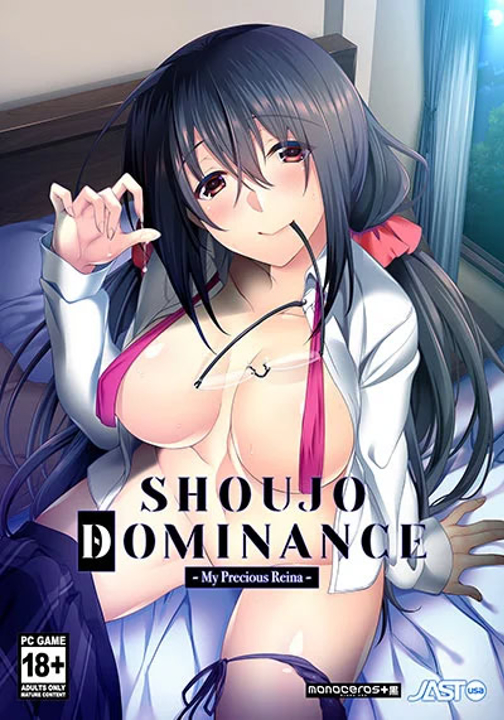 VN Title: Shoujo DominancePLOT Title #60Title IDs:
ViNISO Info
Emulation Status/Flag: Most or some (if not all) info and/or links from this ViNISO entry are pulled from VNDB. | Additional POP Entry Info× The last bit of text in every voiced dialogue are only shown after Reina and other voiced characters are finished speaking, but the protagonist’s dialogue isn’t affected by this; changing the VN’s text and/or voice settings may fix this. |
| P3 / POP-3-ULS | Uchikano – Living With My Sister×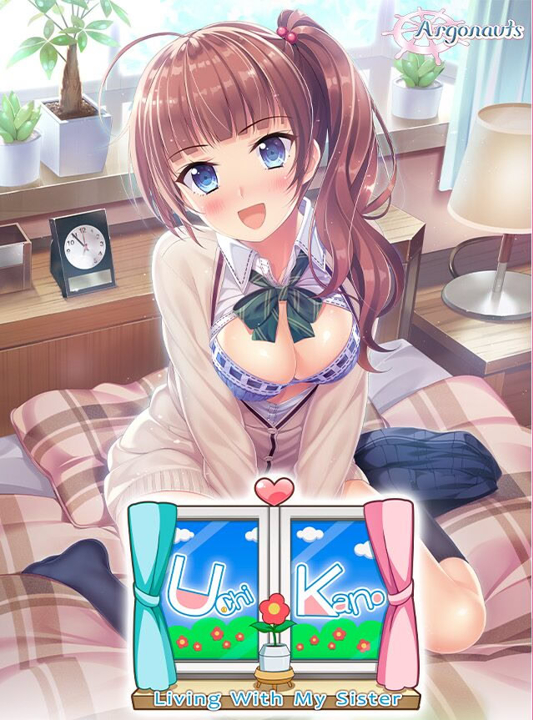 VN Title: Uchikano – Living With My SisterPLOT Title #6bTitle IDs:
ViNISO Info
Emulation Status/Flag: Most or some (if not all) info and/or links from this ViNISO entry are pulled from VNDB. | Additional POP Entry Info× Navigating the VN’s menu options can take a moment to load, depending on the Box64 preset; using the Stability or Conservative presets makes the VN take a bit longer to respond than the Intermediate or Performance presets. |
| P4 / POP-4-SSM | The Seventh Sign ~Mr. Sister~×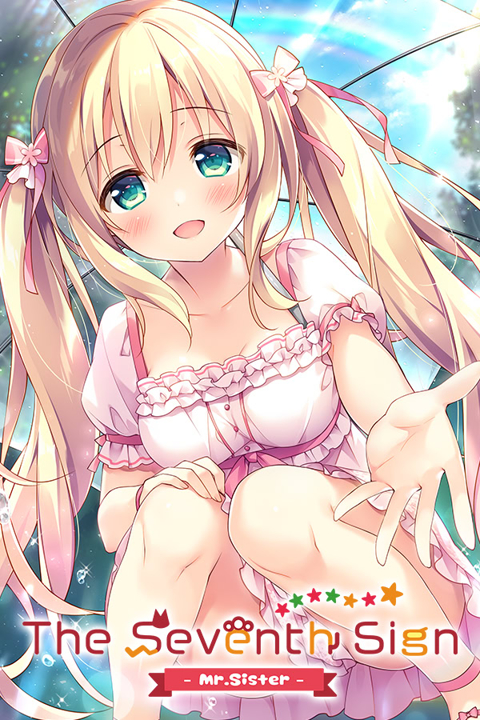 VN Title: The Seventh Sign ~Mr. Sister~PLOT Title #7Title IDs:
ViNISO Info
Emulation Status/Flag: Most or some (if not all) info and/or links from this ViNISO entry are pulled from VNDB. | None |
| P5 / POP-5-SBD | Sisterly Bliss ~Don’t Let Mom Find Out~×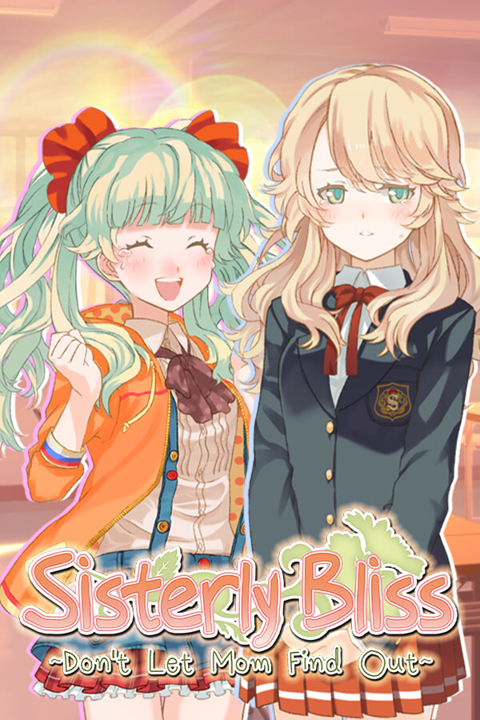 VN Title: Sisterly Bliss ~Don’t Let Mom Find Out~PLOT Title #8Title IDs:
ViNISO Info
Emulation Status/Flag: Most or some (if not all) info and/or links from this ViNISO entry are pulled from VNDB. | Additional POP Entry Info× VN takes several seconds to boot; moving the cursor a lot during gameplay drops the framerate by a noticeable amount, emulating the VN’s keyboard controls (using touch controls or controller inputs) when playing bypasses this issue. Changing the Box64 preset to Intermediate or Performance can also help alleviate this. |
| P6 / POP-6-CHT | Chinkamo Twins×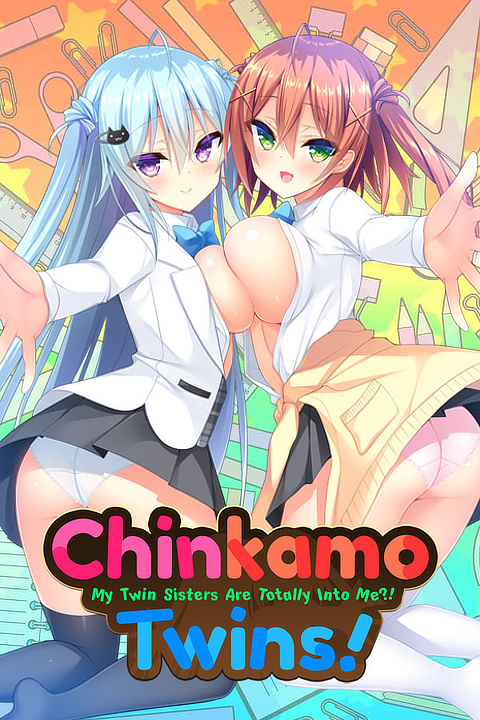 VN Title: Chinkamo TwinsPLOT Title #29Title IDs:
ViNISO Info
Emulation Status/Flag: Most or some (if not all) info and/or links from this ViNISO entry are pulled from VNDB. | Additional POP Entry Info× Either the VN doesn’t boot up at all, or it boots up but the VN only shows a black screen with background music playing; strangely the VN can still be interacted with over the black screen if you click on where the menu prompts should be; possibly a graphics-related issue. |
| P7 / POP-7-OKO | Onii♥Kiss: Onii-chan, Where’s My Kiss?×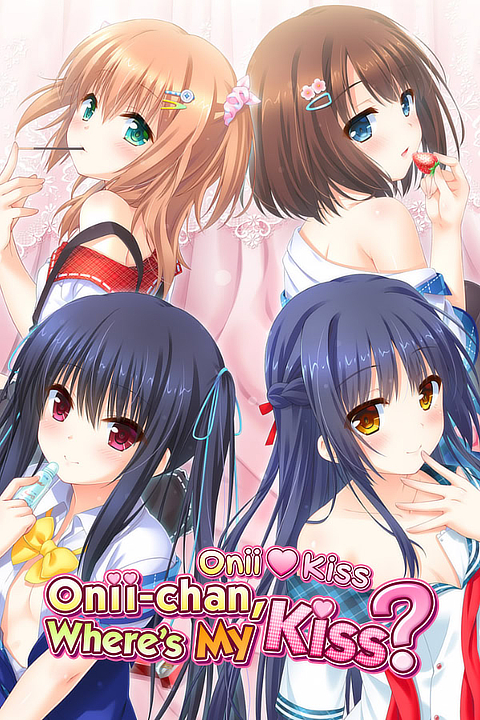 VN Title: Onii♥Kiss: Onii-chan, Where’s My Kiss?PLOT Title #40Title IDs:
ViNISO Info
Preservation Status/Flag: Winlator v10.0Winlator v10.1Most or some (if not all) info and/or links from this ViNISO entry are pulled from VNDB. | Additional POP Entry Info× Skipping text (using the skip text button) severely reduces the framerate until text is no longer being skipped or the skip text button is toggled off. Sometimes when the character sprites move suddenly or quickly on screen, they stutter for a split second. This VN no longer boots up after updating Winlator to v10.1, the last stable version where this VN boots up was v10.0. |
| P8 / POP-8-CHT | My Little Sister’s Special Place× VN Title: My Little Sister’s Special PlacePLOT Title #41bTitle IDs:
ViNISO Info
Emulation Status/Flag: Most or some (if not all) info and/or links from this ViNISO entry are pulled from VNDB. | None |